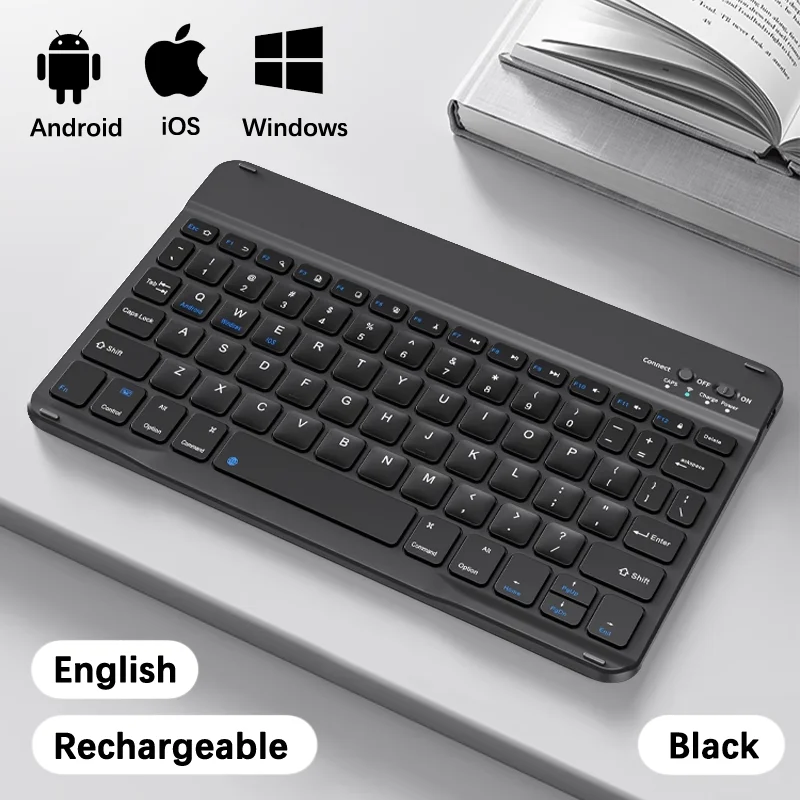
Bluetooth Wireless Keyboard


Bluetooth Wireless Keyboard
SPECIFICATIONS
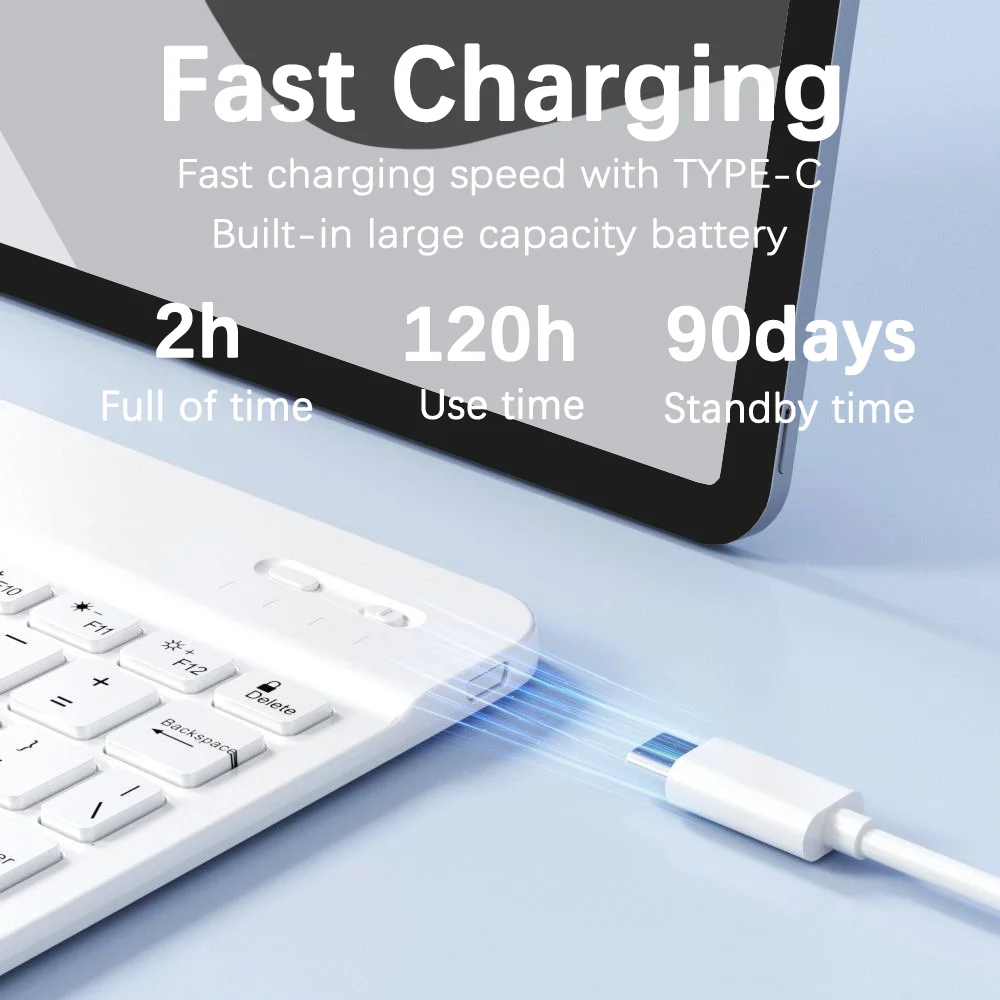
Battery Included: Yes
Brand Name: BalanceFit
Bundle: Bundle1
Certification: CE,FCC,RoHS
Choice: yes
Feture: Mini 78 Key Keyboard,keyboard for smartphone,Bluetooth-compatible keyboard for ipad,For iPad Keyboard,portable keyboard,keyboard wireless
High-concerned chemical: None
Interface Type: Bluetooth
Origin: Mainland China
Type: Keyboard
Keyboard connection method:
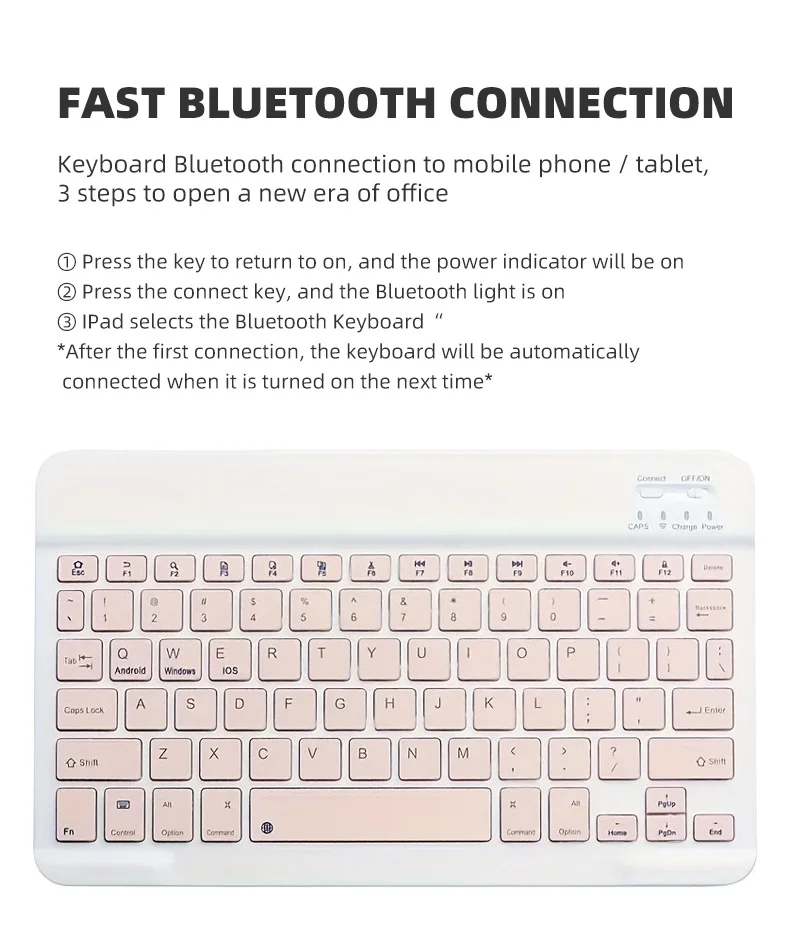
1: Turn on the ON/OFF switch.
2: Press CONNECT, the Bluetooth compatibility logo indicator light will flash.
3: Turn on the Bluetooth compatibility switch of your tablet/smartphone and other devices and search for Bluetooth compatible devices.
4: Click on the Bluetooth compatible keyboard on your tablet/smartphone and press Enter key to connect.

Note:
The keyboard cannot be connected to two devices at the same time. Therefore, if you want to change to another device, you must first unpair the original device.
Product specifications:
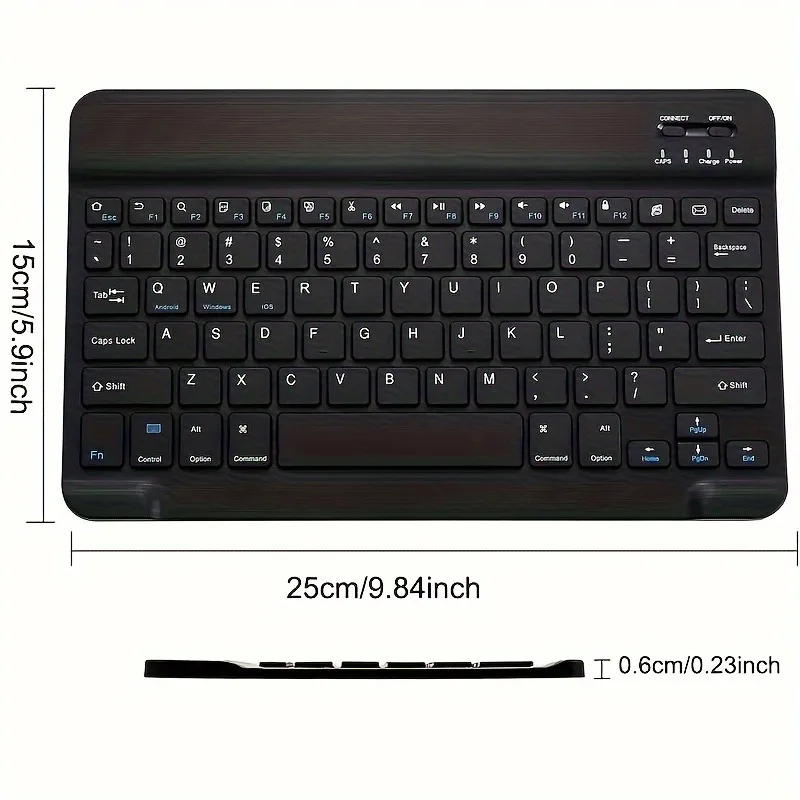
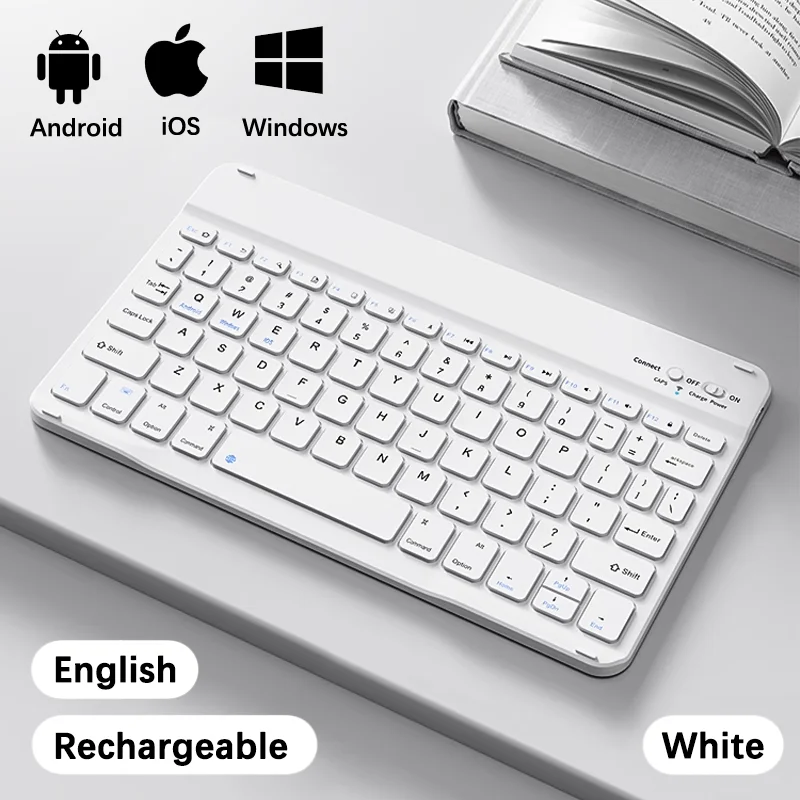
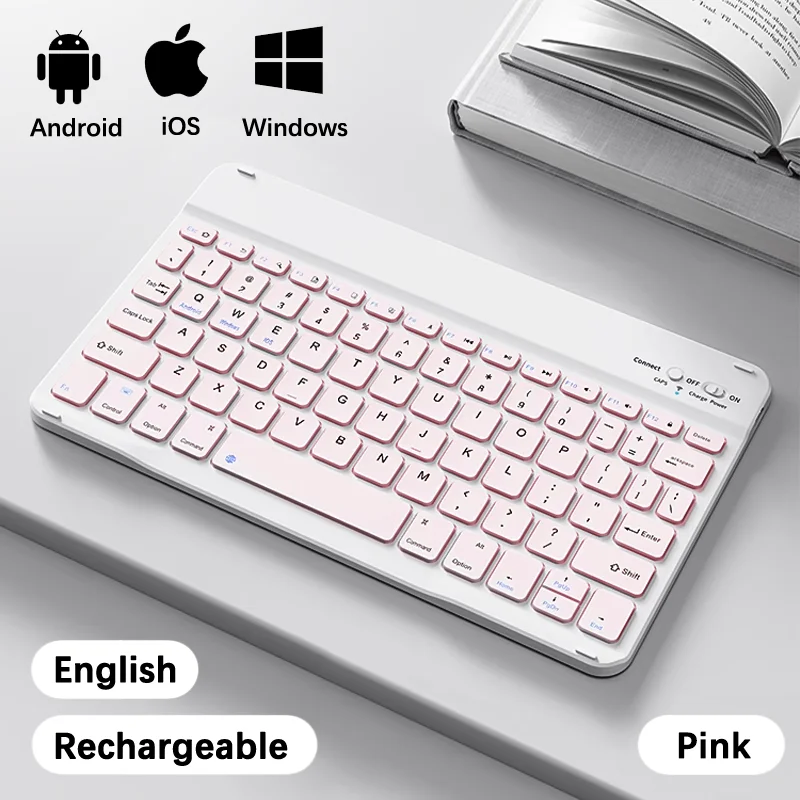
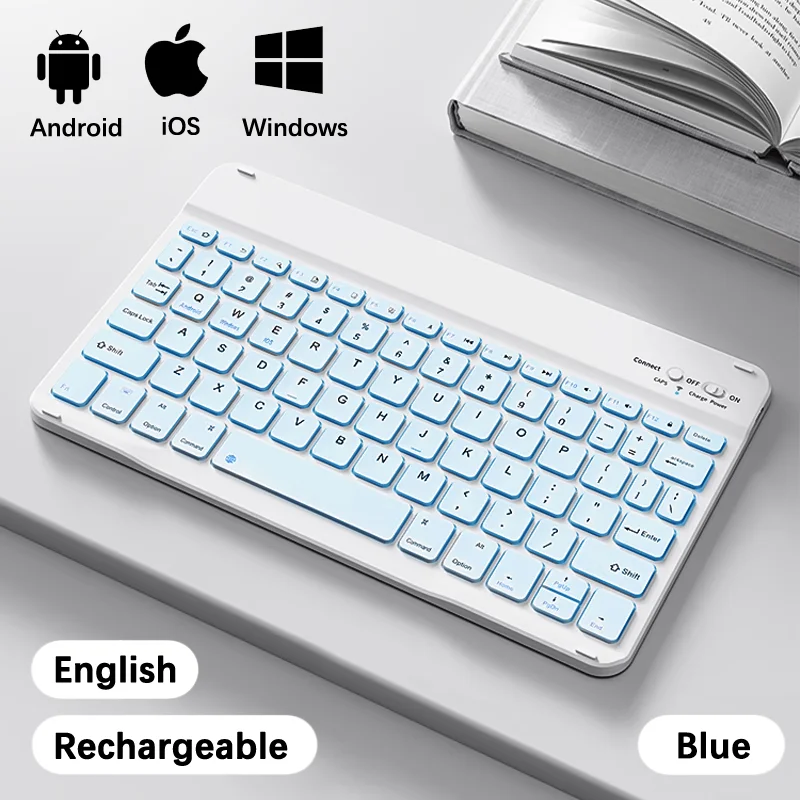
Keyboard layout: US Keyboard
Bluetooth compatible version: Bluetooth compatible 3.0
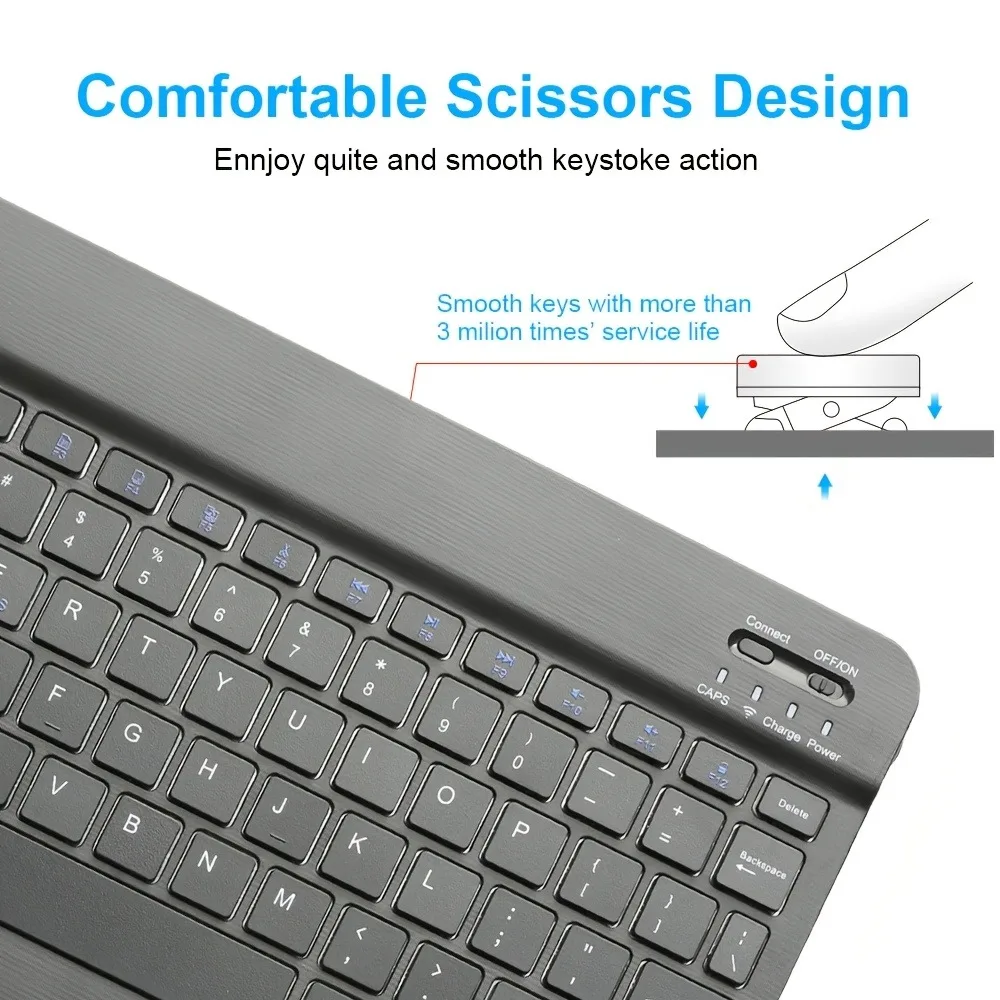
Keyboard keys: 78 keys
Keyboard dimensions: 25 x 15 x 0.6 cm [Dimensions: 9.84 x 5.9 x 0.24 inches]
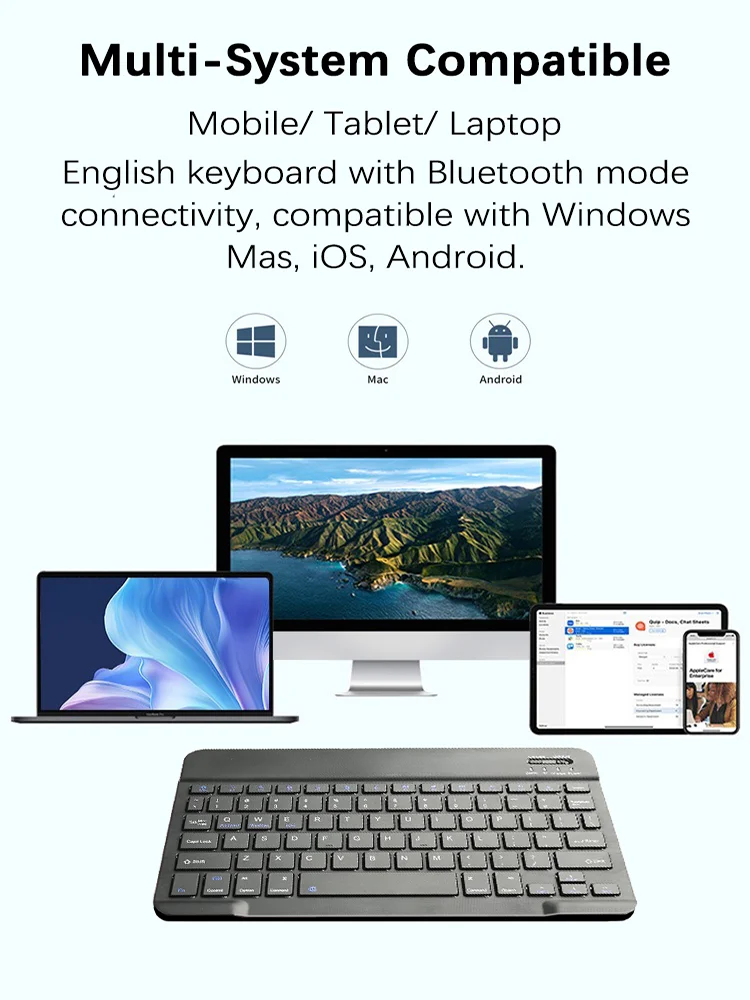
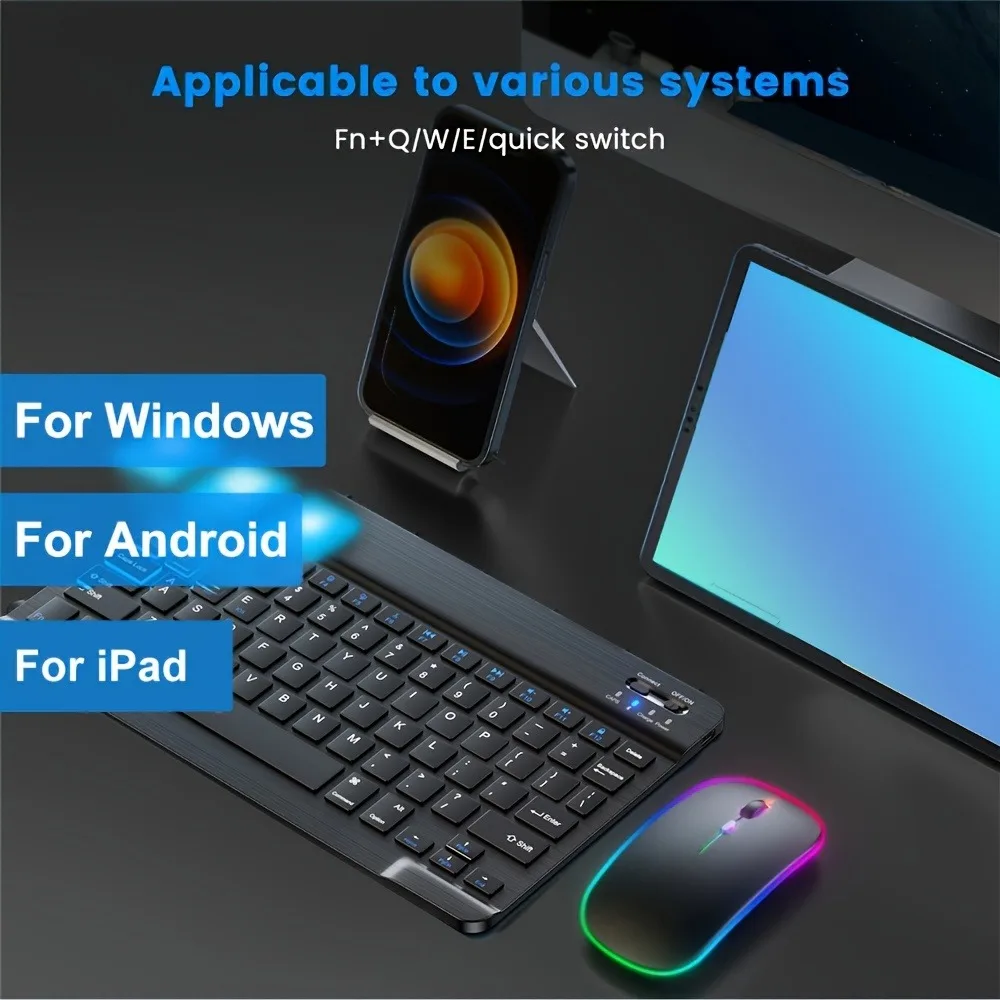
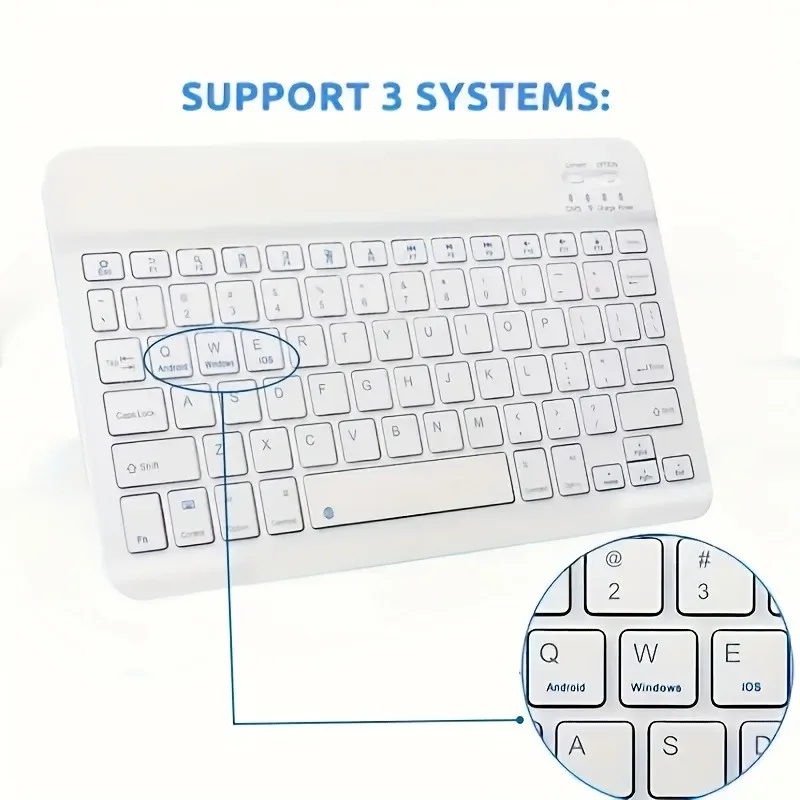
Compatible operating systems: iOS Android Windows System
Hotkeys: Fn + Function keys, press Fn and blue keys on your keyboard Broad
Compatibility:
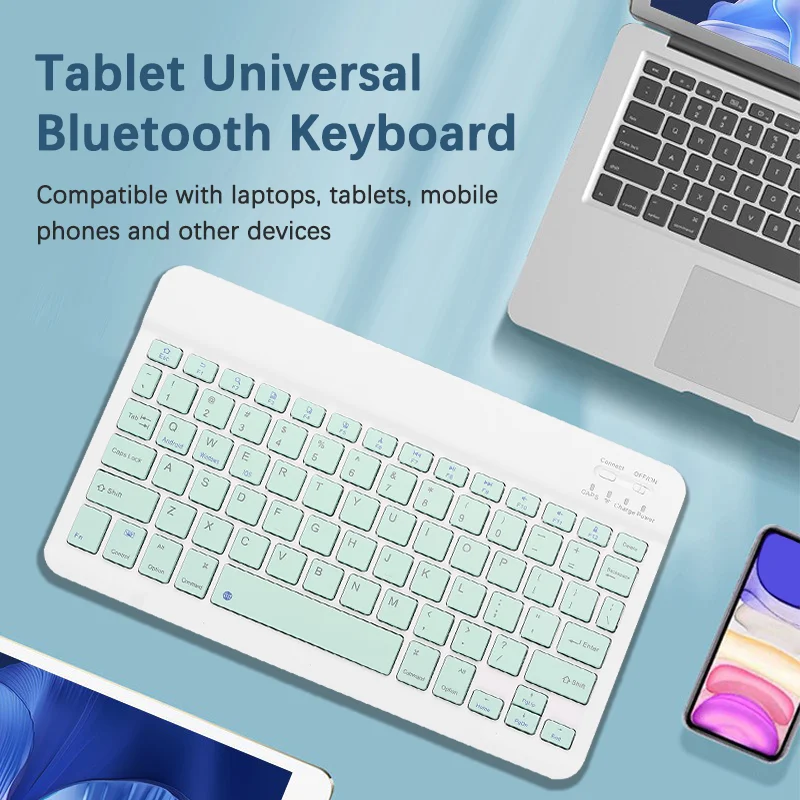
Compatible with Apple iPhone iPad Android tablet smartphones and tablet smartphones.
【Note: This keyboard does not support use on PC computers! ! ! 】
Compatible with Apple iPhones, such as iPhone 15 Pro Max, iPhone 14 Pro Max, iPhone 13 Pro Max, iPhone 12 Pro Max, iPhone SE 2020, iPhone 11, X, XR, XS Max, 7/8 Plus, 6/6s Plus, etc. Compatible with Apple iPads, such as iPad Pro, iPad Air, iPad mini, New iPad 2020/ 2019/ 2018, etc.
Packing list:
1*Bluetooth compatible keyboard
1 * Cable
PLEASE NOTE: If you don't use them for more than 10 minutes, they will automatically enter the sleep state to save power. If you want to continue to use them, just click any key to wake up them